

Storefront
Content must remain visible in daylight. Check reflections, heat behind glass and whether views into the store must be preserved.
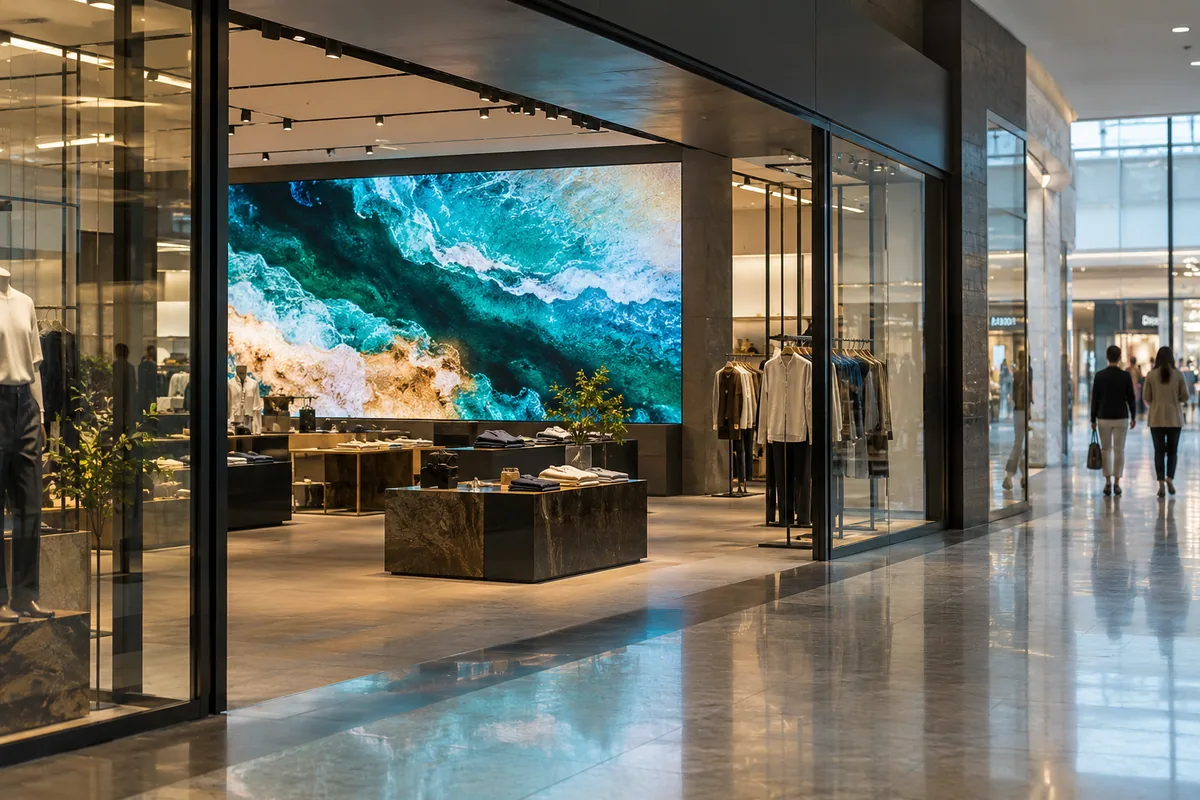
A space that tells your brand story
A storefront, sales floor or store network. Match the screen to visitors and content, and the controls to marketing and store teams.
Content must remain visible in daylight. Check reflections, heat behind glass and whether views into the store must be preserved.
Product stories and seasonal campaigns. Size the image for aisles and places where customers pause.
Schedules and updates across locations. Define permissions, connectivity, local playback and behaviour when the internet is unavailable.
Application visualisationAssess the actual site: an interior and a sunlit storefront need different solutions.
Agree aspect ratio, clip duration and font size with marketing before choosing the display.
Choose publishing workflow, roles and licences. A cloud subscription is not included by default.
Plan maintenance access and working hours around customers, staff and interior finishes.
The proposal specifies equipment and work boundaries. Equipment, delivery, installation and content production are discussed as separate items.
Concept diagram. Exact models and connections are defined in the project.
Examples from the current catalogue. These are a starting point: exact variants, compatibility and the complete specification are confirmed for your site.
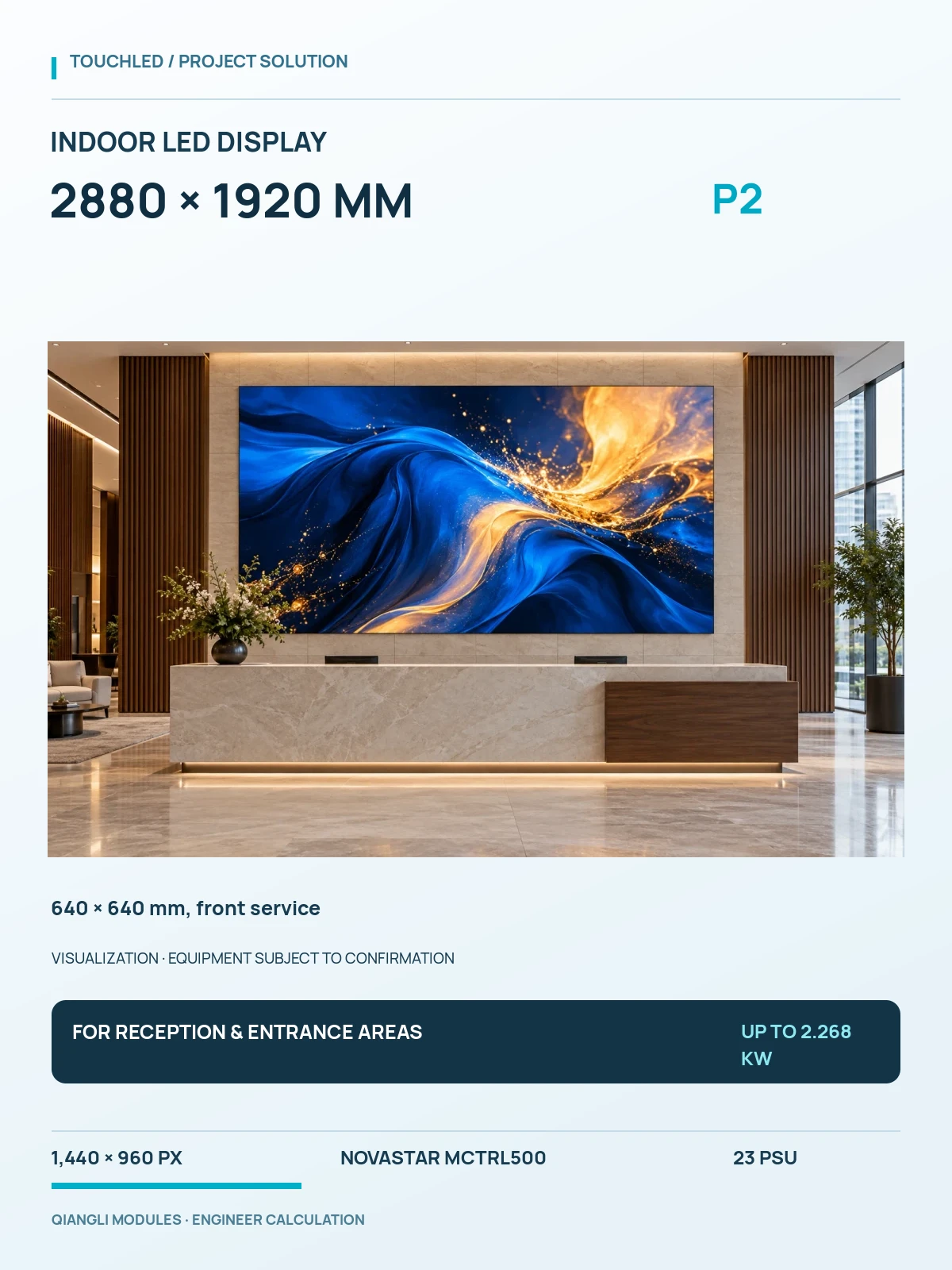
1440 × 960 px · NovaStar MCTRL500 · up to 2.268 kW
Specifications and variants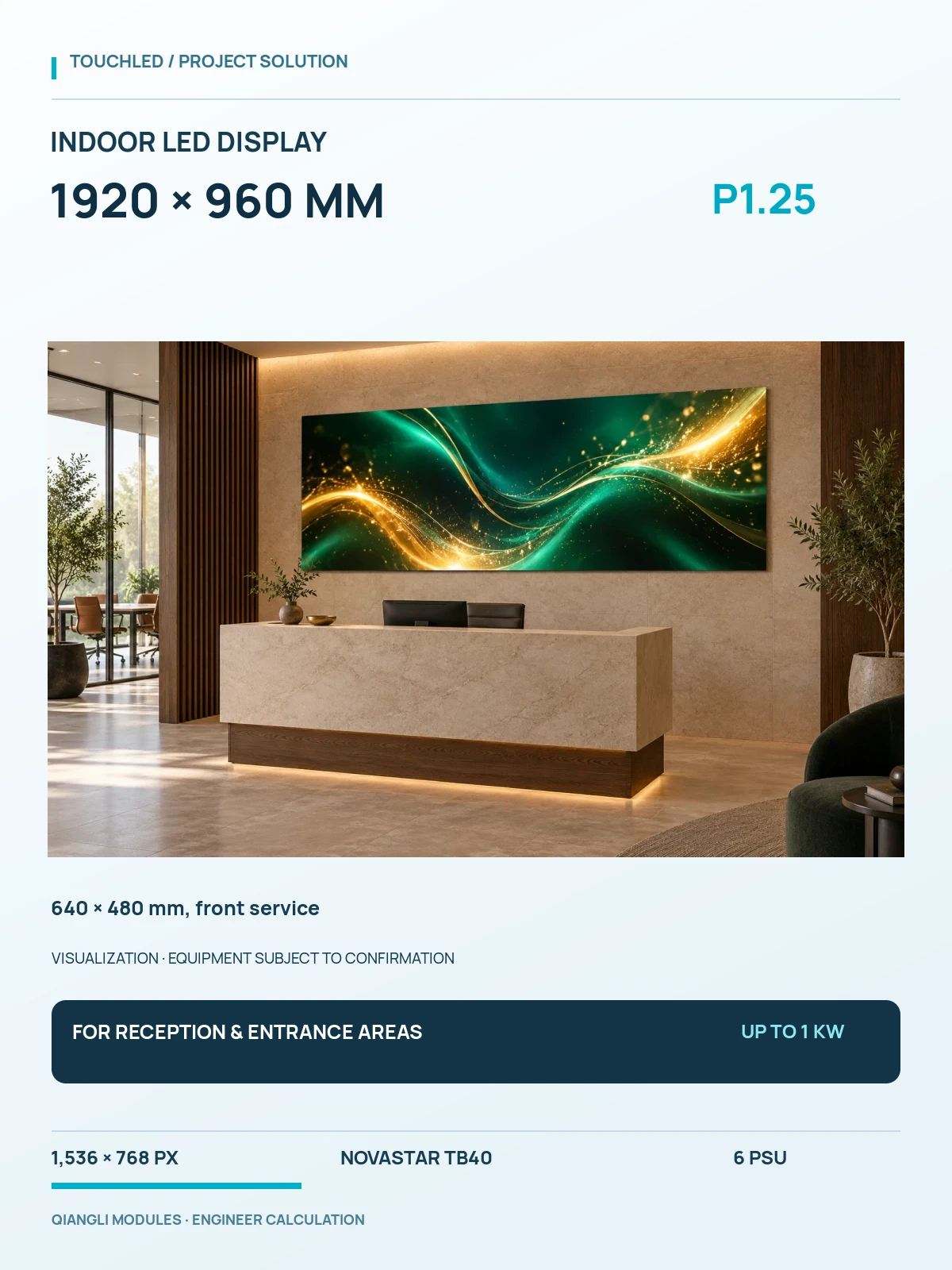
1536 × 768 px · NovaStar TB40 · up to 1 kW
Specifications and variants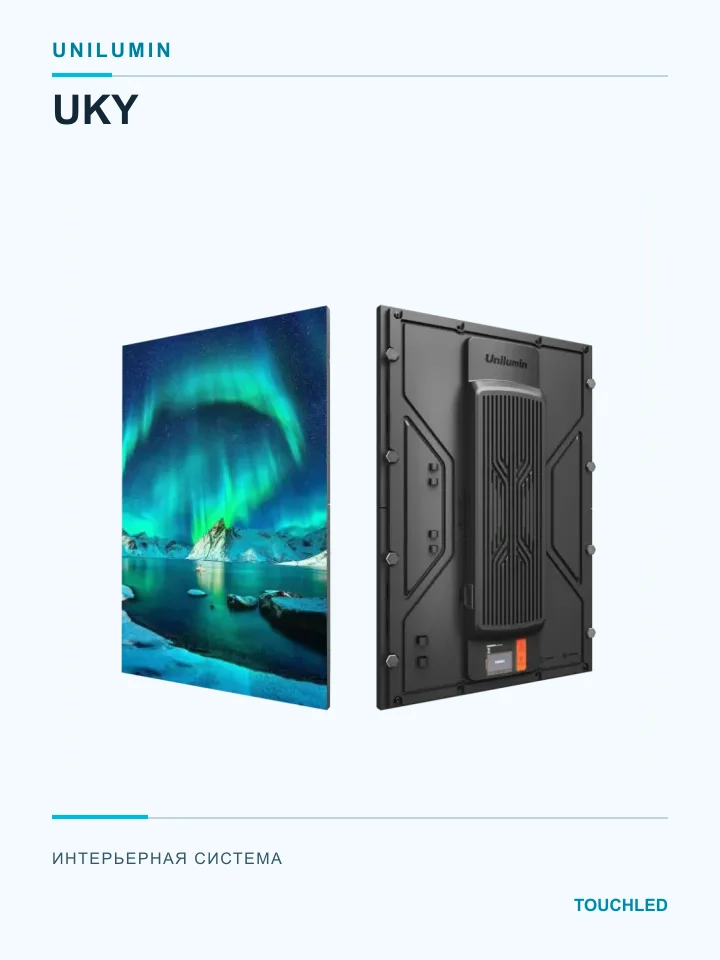
Preassembled 320 × 480 mm indoor display system with integrated power, receiving card and interconnect.
Specifications and variants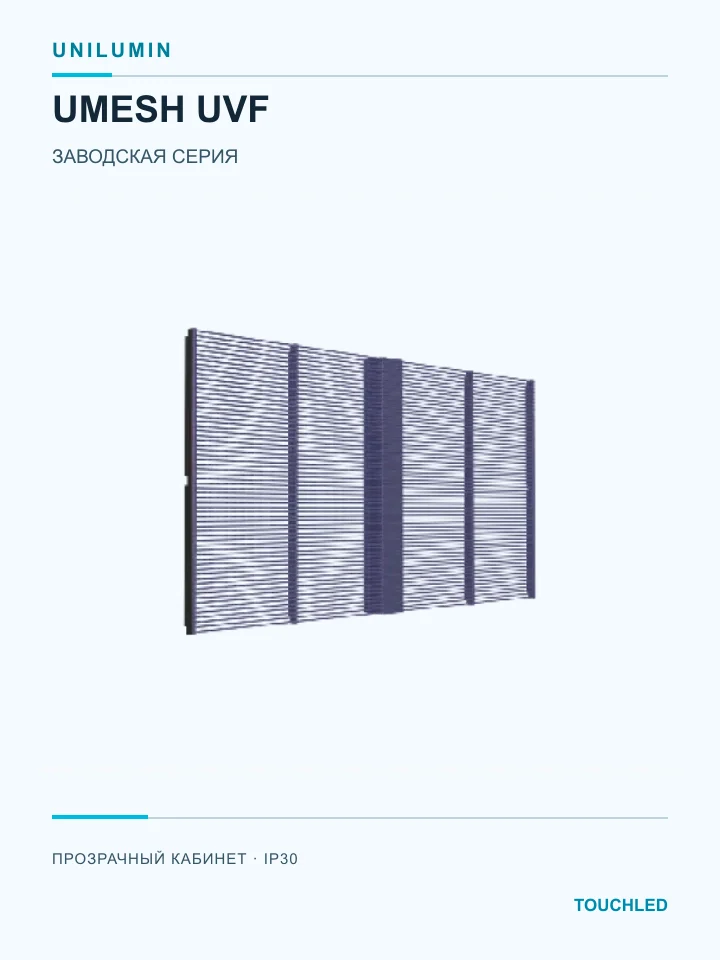
Transparent UVF cabinets for protected installations: three pitches and several published housing formats.
Specifications and variantsFor storefronts check brightness, heat behind glass and maintenance access. Indoor modules are not automatically suitable outdoors.
Plans, photos, viewing distances, content and installation conditions. Outcome: agreed project inputs.
Geometry, equipment, control, power and work. Outcome: a proposal with explicit scope.
Scope verification, installation to the agreed design, setup and testing with actual content.
Wiring diagram, settings, instructions and maintenance procedure. Support terms are agreed in the contract.
In this Bangkok shopping-centre case, Absen reports a 138 m² K2.5 Plus display.
View manufacturer’s publicationDesign a large display alongside content and the visitor journey, rather than selecting by area alone.
Manufacturer’s project or sector overview. TOUCHLED does not claim participation in its delivery.TOUCHLED cases for this application are being prepared for publication. The reference above links to its original manufacturer source.
Not always. Assess sunlight, glazing, temperature and ventilation first. Outdoor installation needs an appropriate product; a storefront does not make an indoor module weatherproof.
Yes, with an appropriate control system. Check player compatibility, licences, network availability and offline playback before selection.
Content production and integration with your CMS are separate scopes. The display project records resolution, format and test material for commissioning.
Viewing distance, content detail and site conditions are the starting points.
KNOWLEDGE BASE · 2 minCheck the complete proposal: surface, control, power, structure and work.
KNOWLEDGE BASE · 3 minCompare equivalent scope, delivery terms and ongoing operation.
Tell us where the display will go and what it needs to show. If dimensions are not yet known, we can help define the project inputs.
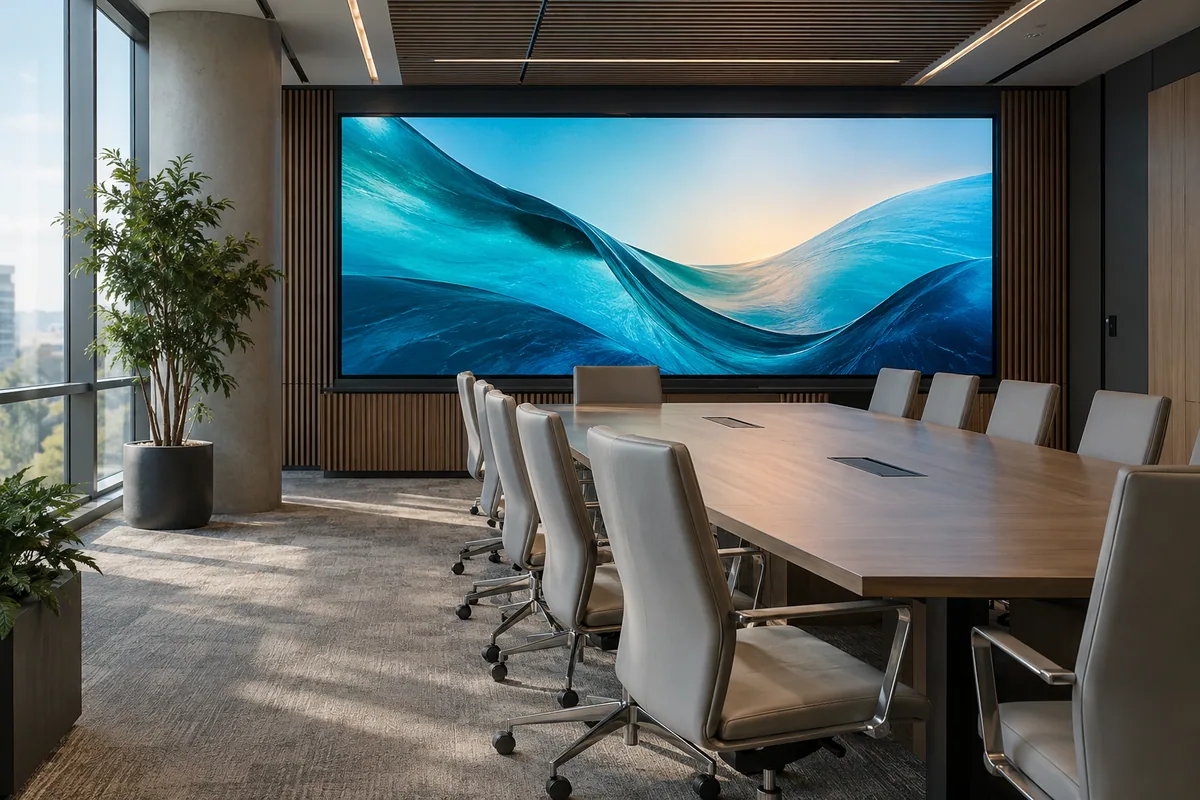 01Application visualisation
Meeting rooms · reception · conference halls
Ideas the whole team can see
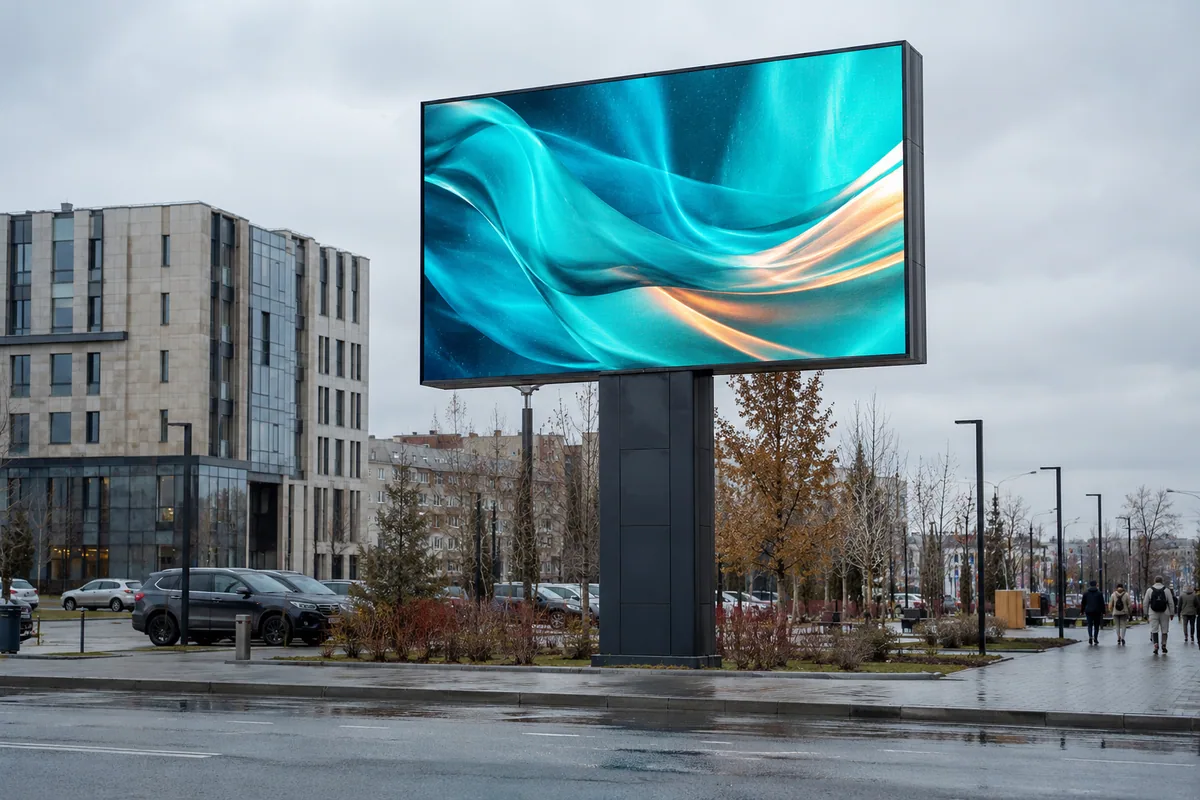 02Application visualisation
Billboards · entrances · urban spaces
Your message on a city scale
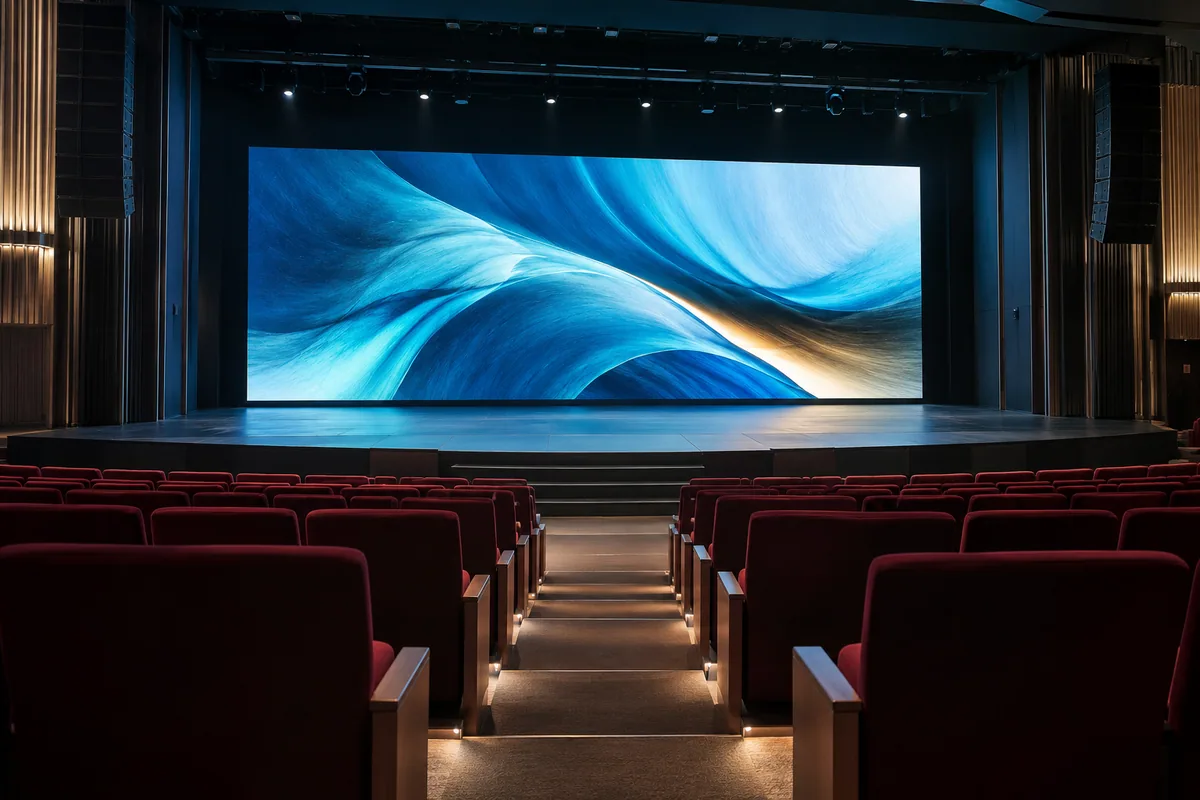 03Application visualisation
Stages · forums · exhibitions
A display that serves the event