

Define the workflow and signal mode before checking a particular controller configuration.
For: Integrators and technical owners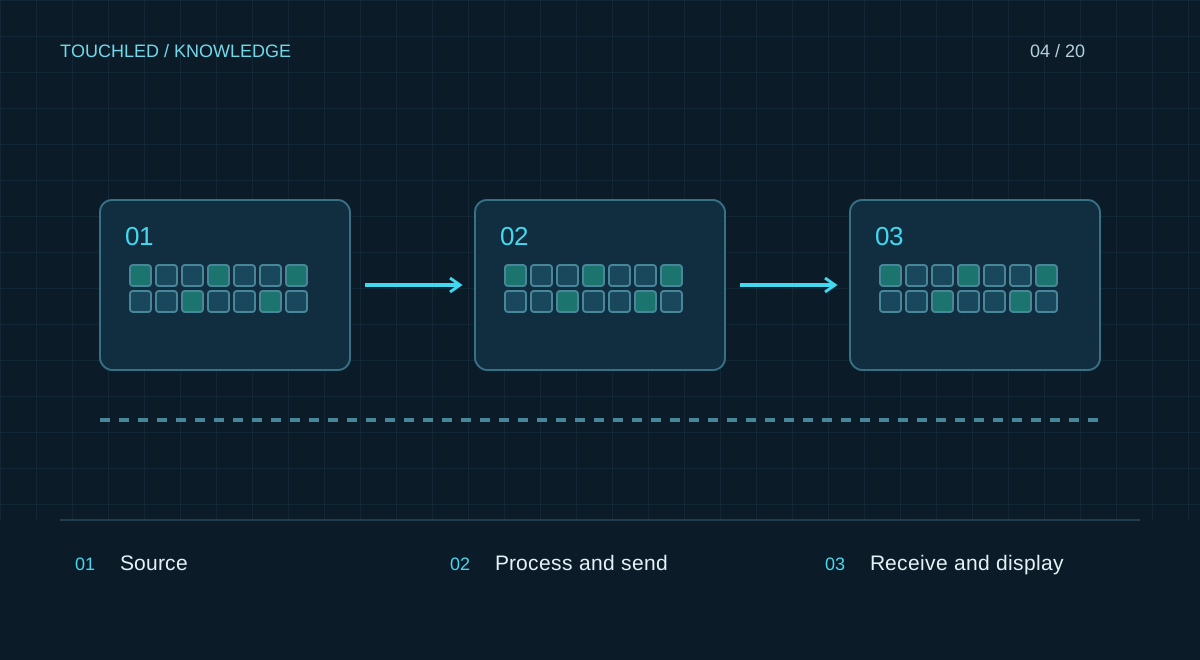
Start with the task
Record the canvas resolution, video source, frame rate, required inputs and environment. Conferencing needs source switching and convenient control; signage needs autonomous playback; filming requires coordinated frame rates and synchronization. The label ‘4K’ does not describe these requirements.
Choose the system architecture
A sending device transmits display data, a processor handles incoming video, and a player plays stored content. One enclosure may combine these functions. For modular systems, identify installed cards: chassis capability is not the capability of every supplied configuration.
Check limits together
Check total load, each output’s load, width, height and available modes together. Verify receiving cards, modules, redundancy, firmware and management software. Compare two or three models and attach the requirements to your quotation request.
Match architecture to workflow
An autonomous player suits scheduled uploaded content when formats and update workflows are verified. Live presentations require input, switching and scaling checks. Multi-window use requires simultaneous-window and resolution limits to be checked. These are selection questions, not universal controller capabilities.
| Workflow | Acceptance test |
|---|---|
| Scheduled signage | Offline restart and file update |
| Conference | Switch actual laptops and audio |
| Live camera | Latency, synchronization and filming |
| Multiple windows | Real layout with concurrent sources |
Document the selection
Save model, installed cards, firmware, canvas size, input mode and output map. Attach the applicable manual limits. Repeat the calculation after replacing a card or changing the mode: prior validation does not automatically carry over.
Practice: presentations and autonomous signage
The display shows laptop presentations during the day and a promotional loop in the evening. These are separate workflows: live input and autonomous playback. Establish whether the selected device supports both, who switches modes and what happens without networking. HDMI does not prove that a player is integrated, and a player may not provide the required live processing.
Demonstrate the complete sequence: laptop, scheduled playback, normal restart and recovery.
- Check the supplied configuration, not the whole series.
- Establish licence and expansion-card needs before ordering.
- Record latency when the image accompanies live action.
Before your next step
- All sources and modes are known
- Each output load is checked
- Receiving-card pairing is verified
- Autonomy and recovery are tested
- Versions and settings are recorded
Sources and applicability
This is an editorial guide, not validation of a particular product configuration. Teaching examples are not TOUCHLED product specifications or prices.
These sources explain technical principles and the models they describe. Check current documentation for the exact variant and firmware: a cited revision is not necessarily the latest or applicable to all equipment.
Found an issue? Email info@touchled.ru with the article title and section.
Apply this to your project
Share dimensions, site photos and the display's purpose. We will identify open questions and discuss the configuration.
Discuss a project