

Preserve state, record symptoms and control changes. Schedule and spares must match the actual installation.
For: Operations and technical owners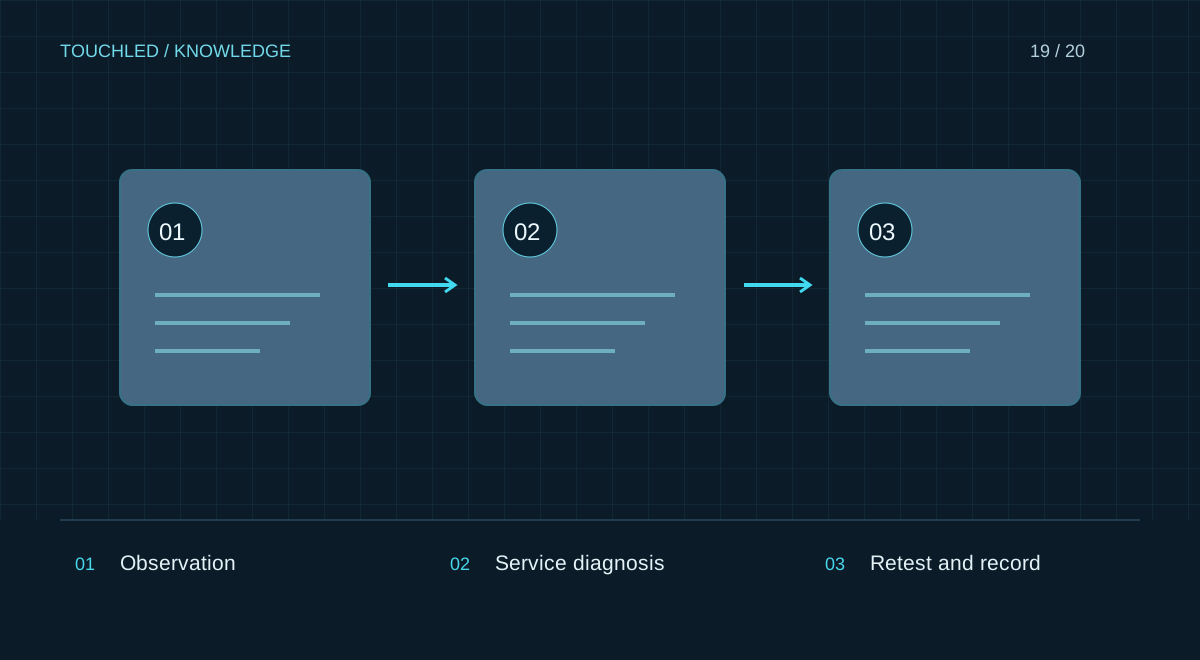
Build the schedule around equipment and site
Assign a system owner and service contact. Inspection and cleaning intervals follow manufacturer instructions, dust, temperature and operating conditions. A universal monthly interval is not a maintenance plan for a specific installation.
Operators can observe and record events. Internal cleaning, supply replacement and electrical work require trained personnel. Smoke, burning smells or unsafe heat require the site's approved emergency procedure, not continued playback for diagnosis.
Write a useful service report
Describe the symptom and scope: whole display, one cabinet, colour channel or a particular source. Record onset, repeatability, preceding changes and indicator states according to the manual. Attach overall and close-up views without unrelated personal information.
Do not randomly update firmware or reset settings. This can erase working-state information and complicate recovery. Back up the configuration before any agreed change.
Separate observation from intervention
An initial record helps service staff select checks. The list below does not diagnose a cause from one symptom or authorize internal equipment work.
| Observation | Useful evidence |
|---|---|
| No image anywhere | Source, selected input, preceding events |
| Missing display area | Photo, cabinet identifier, affected boundaries |
| Colour or brightness mismatch | Test content, mode, onset |
| Intermittent fault | Time, conditions, duration and recurrence |
Spares and recovery
Maintain a compatible spares list with SKUs and revisions. A module from another batch may require uniformity checks and calibration. Label settings by model, revision and date and keep a protected backup separately from the operating computer.
After repair repeat relevant image and workflow tests, update the replacement log and documentation. A responsible specialist confirms return to service, not merely the disappearance of a symptom.
Practice: colour changed after a replacement
A replacement module displays an image but differs from its neighbours on a grey field. Record SKU, revision, batch where available and settings used. The difference may require diagnosis and calibration-data checks; an image alone does not establish successful repair.
Send service staff reference photos under consistent conditions and state whether adjustments were attempted. After an agreed correction repeat uniformity and real-content tests, update the spares log and save the final configuration.
- Compare states before and after a change.
- Separate observations from unconfirmed diagnoses.
- Do not use surface-cleaning products without manufacturer approval.
Before your next step
- Owner and service contact are assigned
- Schedule follows manuals and environment
- An up-to-date backup exists
- Spares have model and revision identifiers
- Repairs end with testing and documentation
Sources and applicability
This is an editorial guide, not validation of a particular product configuration. Teaching examples are not TOUCHLED product specifications or prices.
These sources explain technical principles and the models they describe. Check current documentation for the exact variant and firmware: a cited revision is not necessarily the latest or applicable to all equipment.
Found an issue? Email info@touchled.ru with the article title and section.
Apply this to your project
Share dimensions, site photos and the display's purpose. We will identify open questions and discuss the configuration.
Discuss a project