

Acceptance validates a specific configuration, mode and tested workflows; the customer retains settings and results.
For: Owners, integrators and operations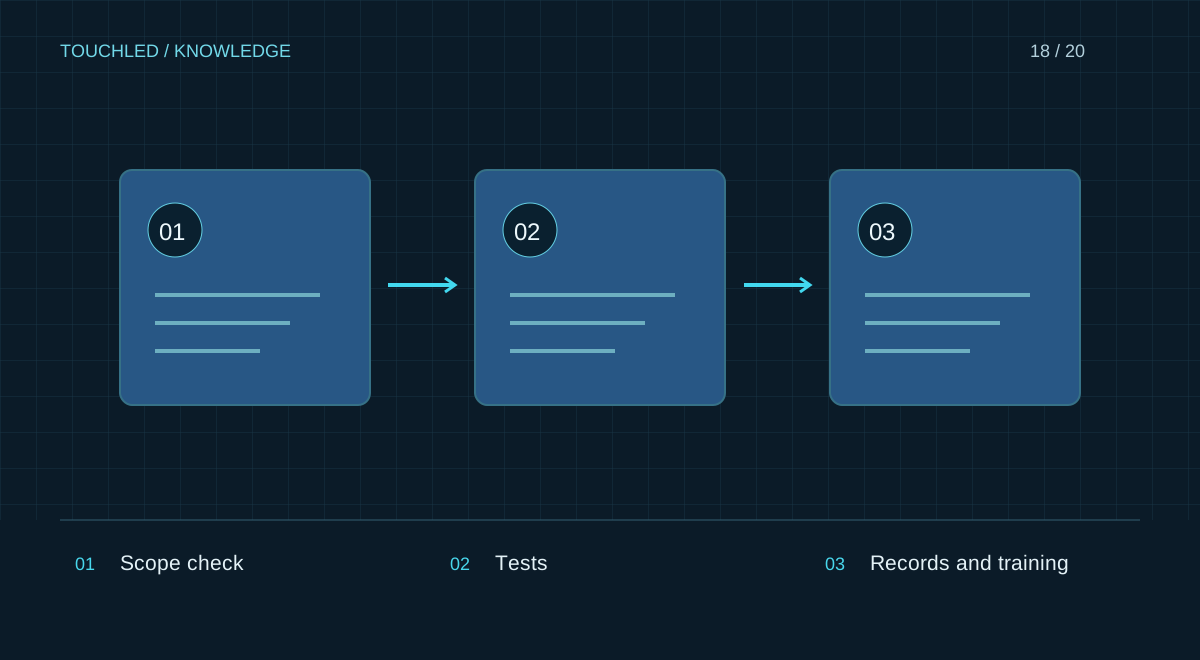
Prepare acceptance conditions
Before testing agree the specification revision, checks, owners and acceptance criteria. Confirm completion of structural and electrical work. An image test does not replace installation safety checks.
Check models, quantities, serial numbers and equipment locations. Agreed substitutions belong in the as-built bill of materials, not only in correspondence.
Test image quality and real workflows
Use a labelled grid for geometry and mapping, colour fields and gradients for uniformity, then the customer's actual content. Assess seams and readability from agreed positions. Define defect tolerances and assessment methods before acceptance using the contract and applicable documents, not an article.
| Test | Record |
|---|---|
| Geometry | Correct zones, orientation and mapping |
| Image | Observations on fields, gradients and content |
| Sources | Required inputs, switching and audio |
| Restart | Return to the agreed working state |
| Backup | Response to an agreed fault scenario |
| Operation | Operator completes a routine task |
Hand over a reproducible configuration
Include the as-built specification, signal and power drawings, firmware versions, configuration and available calibration files, manuals, service terms and spares list. Transfer credentials through an agreed secure channel, not in a public report or screenshot.
Verify that the backup matches the installed system revision and is accessible to an authorized customer representative.
Close issues with evidence
For each issue record observation, conditions, owner and deadline. After correction repeat affected tests and update the handover configuration. Distinguish passed, not tested and requires correction. Final acceptance must describe the actual result, not merely that the display powered on.
Practice: the display works until the first restart
The system works during demonstration, but a normal restart restores another input or loses the schedule. Acceptance must include an agreed restart cycle and verification of the recovered state. For an autonomous system also test operation without a permanent computer when this is a project requirement.
Record initial mode, permitted actions and outcome. After correction repeat the test and update the backup, avoiding handover of files that restore the earlier fault.
- Every test needs an outcome, not just a started mark.
- Test the actual installed revision.
- Issue corrections must update the handover pack.
Before your next step
- Equipment matches the approved revision
- Actual workflows are tested
- Issues have statuses and deadlines
- Drawings and working settings are handed over
- The operator completed a routine task independently
Sources and applicability
This is an editorial guide, not validation of a particular product configuration. Teaching examples are not TOUCHLED product specifications or prices.
These sources explain technical principles and the models they describe. Check current documentation for the exact variant and firmware: a cited revision is not necessarily the latest or applicable to all equipment.
Found an issue? Email info@touchled.ru with the article title and section.
Apply this to your project
Share dimensions, site photos and the display's purpose. We will identify open questions and discuss the configuration.
Discuss a project