NovaStar V980
Processes video for display systems. Compare inputs, processing features and output types; not every processor includes LED sending.


- Published maximum load
- 3,900,000 px
- LED Ethernet outputs
- 6 ports
Purpose and capabilities
NovaStar V980. LED Ethernet outputs: 6 ports; Published maximum load: 3900000 px. Processes video for display systems. Compare inputs, processing features and output types; not every processor includes LED sending.
- 01The factory document identifies the V980 role in the signal chain.
- 02Planning-mode capacity is 3900000 pixels.
- 03Specified dimensions: 482.6 mm × 250.0 mm × 50.0 mm. Check installation space and cooling.
V980 in the display system
NovaStar V980 serves as a video processor with sending in the signal chain. This page describes the exact V980 variant; confirm package contents, hardware revision and availability before ordering.
Capacity and interfaces without hidden assumptions
Preliminary selection uses 3900000 pixels in the published mode. The device has 6 display outputs. Validate each output against frame rate, bit depth, operating mode and redundancy plan.
What to verify before specifying
The factory specification documents this model, not every possible device pairing. An exact quote needs sending and receiving models, hardware revisions, firmware versions, hub pinout, module drivers and port plan. Until those are reviewed, the configurator keeps the chain preliminary.
- No approved pairing with a specific TOUCHLED LED module.
- Actual configuration, revision and firmware must be confirmed before supply.
Where it is used
Processes video for display systems. Compare inputs, processing features and output types; not every processor includes LED sending.
Signal path
- 01Video sources
- 02processing
- 03LED sending
- 04receiving cards
- 05LED modules
Check before selecting
Verify the exact hardware revision, firmware and complete signal chain. Maximum specifications do not guarantee simultaneous operation of all features. Catalogue inclusion does not confirm stock or rental availability.
Technical specifications
Values include conditions and sources where available. Configured systems may differ from the base model.
Capacity modes
Not a ready engineering mode. Frame rate, bit depth, redundancy, 3D and port mapping conditions are not fully confirmed.
Model specification · V1.0.0Performance
| Parameter | Value |
|---|---|
| Published maximum load | 3,900,000 pxPublished value. See the specification for operating mode and limits; project verification is required.Source · V1.0.0 · 简介 / Introduction |
| LED Ethernet outputs |
Physical
| Parameter | Value |
|---|---|
| Dimensions | 482.6 mm × 250.0 mm × 50.0 mmSource · V1.0.0 · 规格参数 / Specifications |
Additional parameters
| Parameter | Value |
|---|---|
| Maximum width | 3,840 pxPublished value. See the specification for operating mode and limits; project verification is required.Source · V1.0.0 · 简介 / Introduction |
| Maximum height | 1,920 pxPublished value. See the specification for operating mode and limits; project verification is required.Source · V1.0.0 · 简介 / Introduction |
Model reviews
Reviews relate to the model. Used equipment condition and contents must be checked separately.
Loading reviews…
Compatibility and system composition
Device relationships depend on variant, revision, firmware and operating mode.
A matching brand or connector does not prove compatibility. Electrical and logical requirements and the complete signal chain must be checked.
Engineering status
Engineering review pending; full chain unapproved
There are no confirmed pairings for this exact SKU yet. An engineer will review it.
Alternatives
For comparison, not a direct replacement without verification.
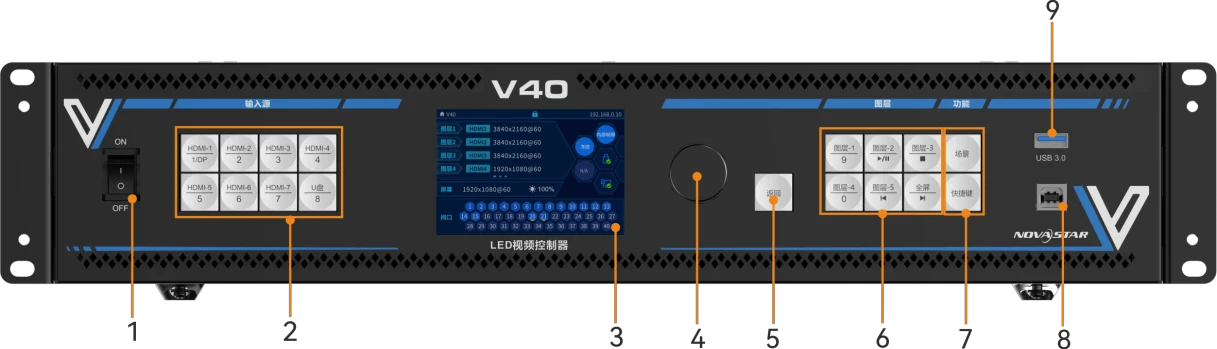
NovaStar V40
Compare specifications; not a verified replacement.
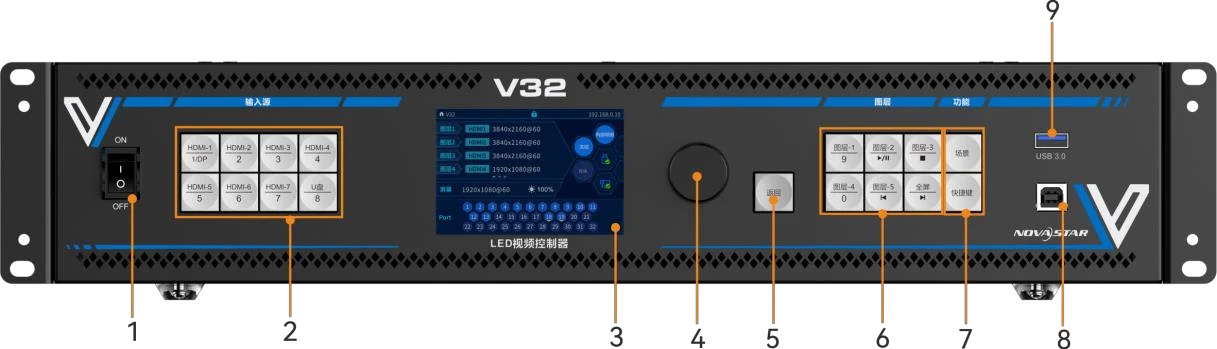
NovaStar V32
Compare specifications; not a verified replacement.
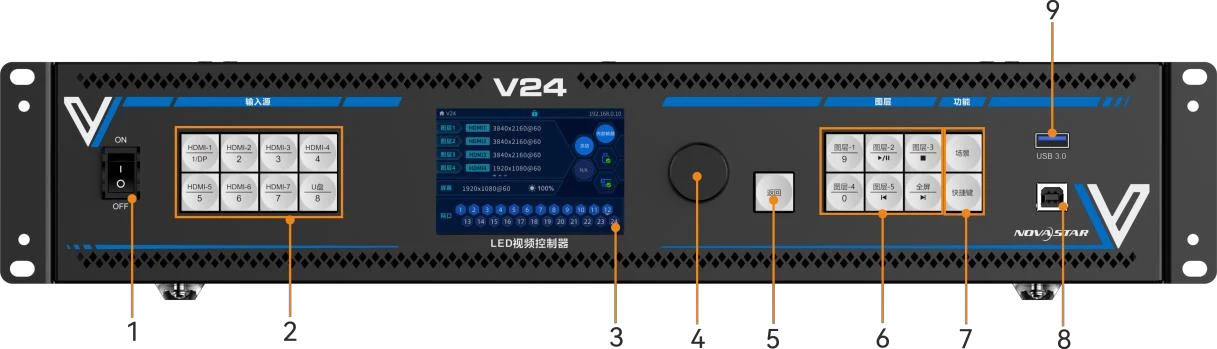
NovaStar V24
Compare specifications; not a verified replacement.
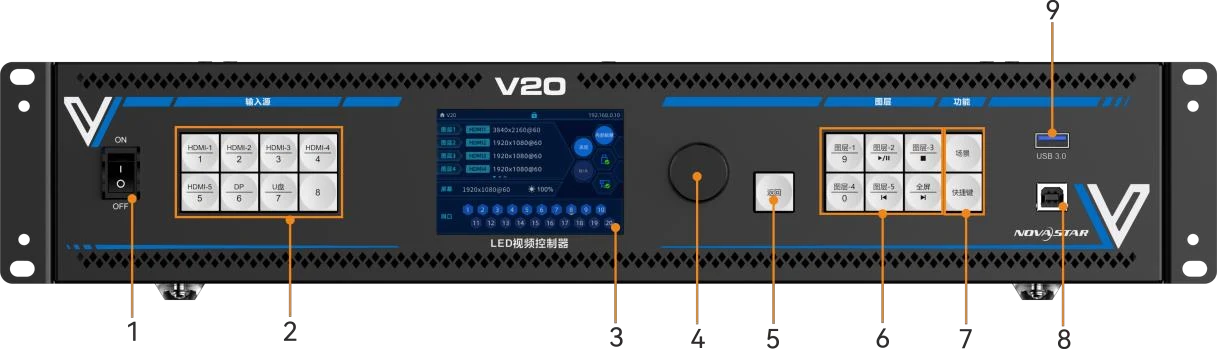
NovaStar V20
Compare specifications; not a verified replacement.
Before confirming a project
- No approved pairing with a specific TOUCHLED LED module.
- Actual configuration, revision and firmware must be confirmed before supply.
Documents and software
Match software and firmware to the exact hardware and revision. Check the official source before installation.
Documentation
2Software and firmware
1Related downloads from the official catalogue. Confirm version support for your SKU, revision and system before installation.