

NovaStar V-Can
Video processor control
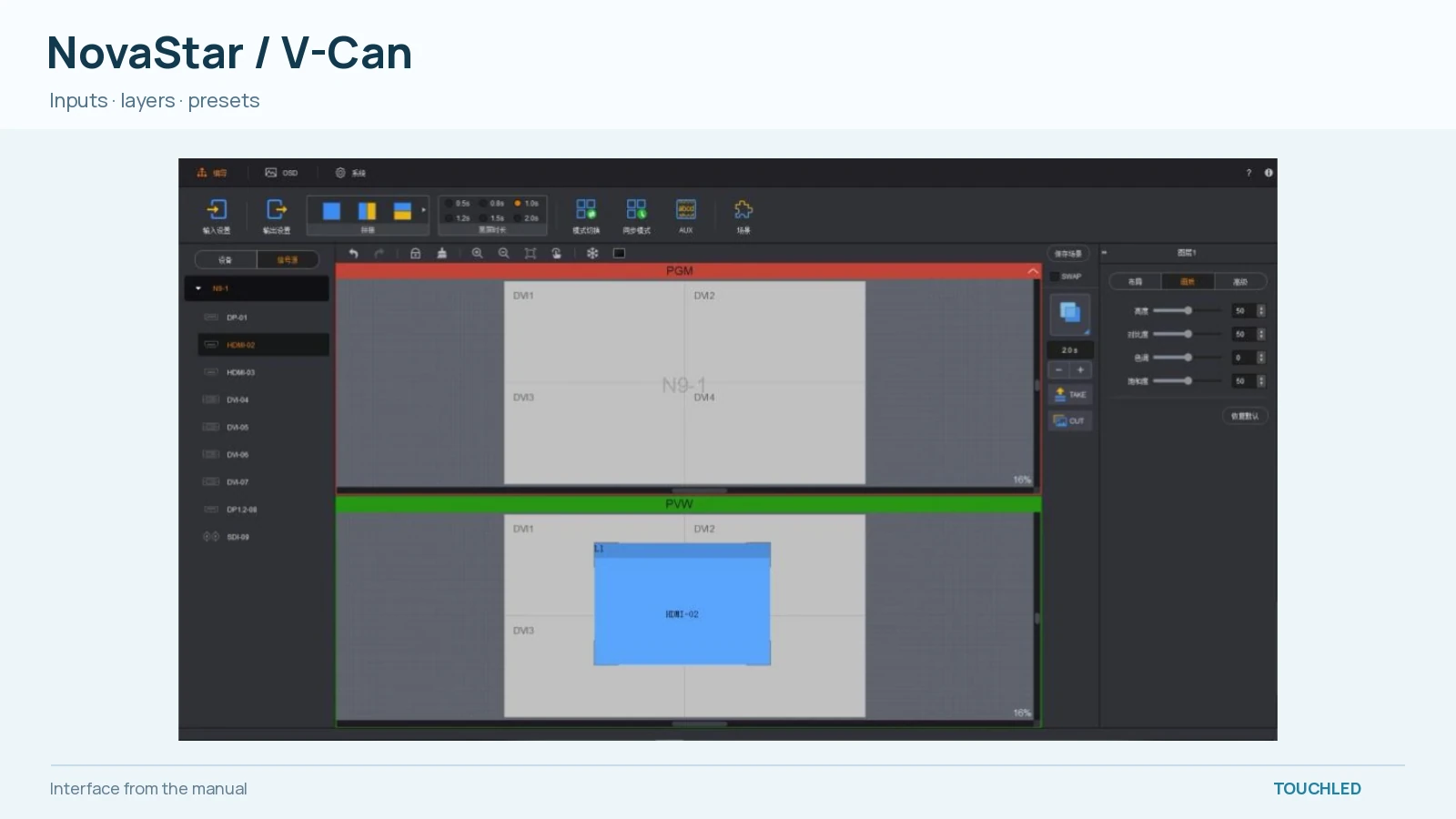
V-Can video control. From the V3.8.0 manual, page 8. The interface varies by release.
Image sourcePurpose and capabilities
Video processor control. Scenes, inputs and layouts for supported video processors.
- 01Scenes, inputs and layouts for supported video processors.
- 02NovaStar video processors; verify the exact model
- 03Obtain the package and updates directly from the manufacturer.
How it is used
Scenes, inputs and layouts for supported video processors.
Supported scope
NovaStar video processors; verify the exact model
Version and licence
The source is the official NovaStar site. Select the appropriate package in the factory download centre before installation. Licence terms and exact hardware revision support require confirmation.
Where it is used
Video processor control
Workflow
Scenes, inputs and layouts for supported video processors.
Check before selecting
NovaStar video processors; verify the exact model
Technical specifications
Values include conditions and sources where available. Configured systems may differ from the base model.
Purpose and access
| Parameter | Value |
|---|---|
| Platform | Desktop · verify platform for the packageSource |
| Access | Download from manufacturerSource |
Hardware scope
| Parameter | Value |
|---|---|
| Hardware scope | NovaStar video processors; verify the exact modelSource |
Check before installation
NovaStar video processors; verify the exact model
Manufacturer software does not automatically support every model or firmware release. Confirm package, hardware revision and licence against official documentation.
Open questions
- Verify exact model, hardware revision and firmware support for the selected package.
- Confirm licence terms and access in Russia with the manufacturer before deployment.
Documents and software
Match software and firmware to the exact hardware and revision. Check the official source before installation.